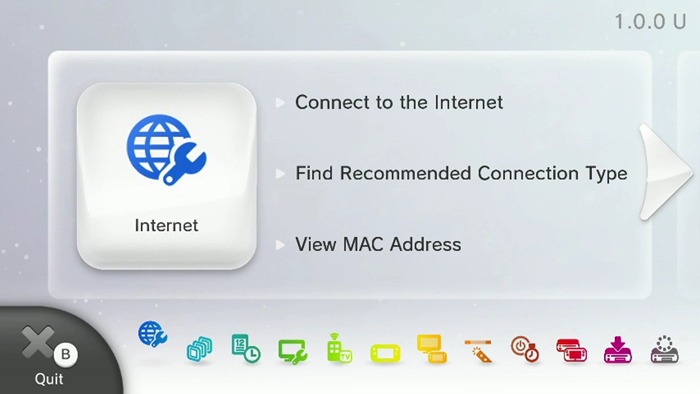
 I was frustrated. As soon as I got home from the midnight launch of the Wii U all I wanted to do was test out all of it’s features. No doubt, I am thoroughly enjoying my time with the system, it is a great console after all, but one thing was missing. I no matter how many times I tried to connect my console to my Wi-Fi, it just wouldn’t work.
I went as far as to remove the encryption effectively making my Wi-Fi an open to the public free of charge hotspot, which worked, but I just wasn’t willing to keep it that way.
In comes Google, and little bit of detective work, and the answer was found. It isn’t the most ideal of solutions, but it works. Here’s what you have to do courtesy of GAMEDEV over at the Nintendo support forums:
1. Go into connection types, Hit “Manual Configuration”
2. Input your SSID
3. Input the correct security type, this is key.
4. Put your password in properly
5. For ip address “Do not auto obtain”.
6. open up cmd in your computer, type in ipconfig
7. Now input that ip address but add 10 to the last number so “192.168.0.1” will be entered as “192.168.0.11”
8. Enter the rest of your info inside such as subnet mask and default gateway exactly as you see it in your ipconfig.
9. Now hit next, hit configure now for your DNS. When asked about DNS hit “Dont auto obtain”.
10. For the first server put in 8.8.8.8
11. For the second server put in 8.8.4.4
12. Hit Next, when asked about a proxy hit no proxy
13. Leave mtu as the default
14. it should work, if not check the ip and that it is the internet ip + 10. Good luck
Hopefully if you were having trouble connecting, this helped you out. Happy Wii Uing, and see you on the Miiverse!
This is not great advice. You should at least know what IP range is being used on your network and ensure it is outside of the DHCP range the router is configured to use.
Thank you for best article.Happy Black Friday & Cyber Monday.