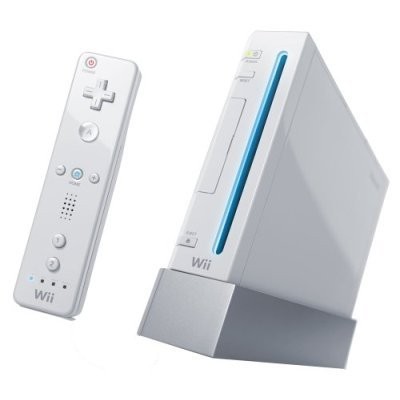
If you’re dusting off a Wii for somebody else, take a look at the save data before you start clearing space. Write down the games you want to keep and launch them if you can. Seeing a file in the menu only tells you it’s there.
Check whether you have a Wii, Wii mini or Wii U running in Wii mode. The Wii mini has no SD card support. Some Wii games restrict copying, and some files hold more than one save slot. Look up the exact system and game before you assume you can move a file or merge it with what’s already on the other console. Nintendo’s SD card instructions and save-data error guide spell out some of those limits.
If the menu asks to overwrite or erase something, stop and check which copy you’d be losing. Read Nintendo’s explanation of what formatting removes before touching that option. Your old trip through Galaxy can wait another five minutes.
What Wii save would you most miss if it disappeared?
Join the conversation
Share your perspective. Keep it thoughtful, welcoming and on topic.
Have something to add? Start the discussion.